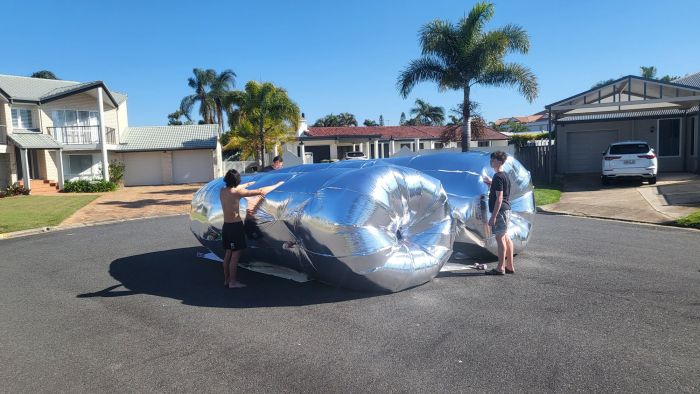
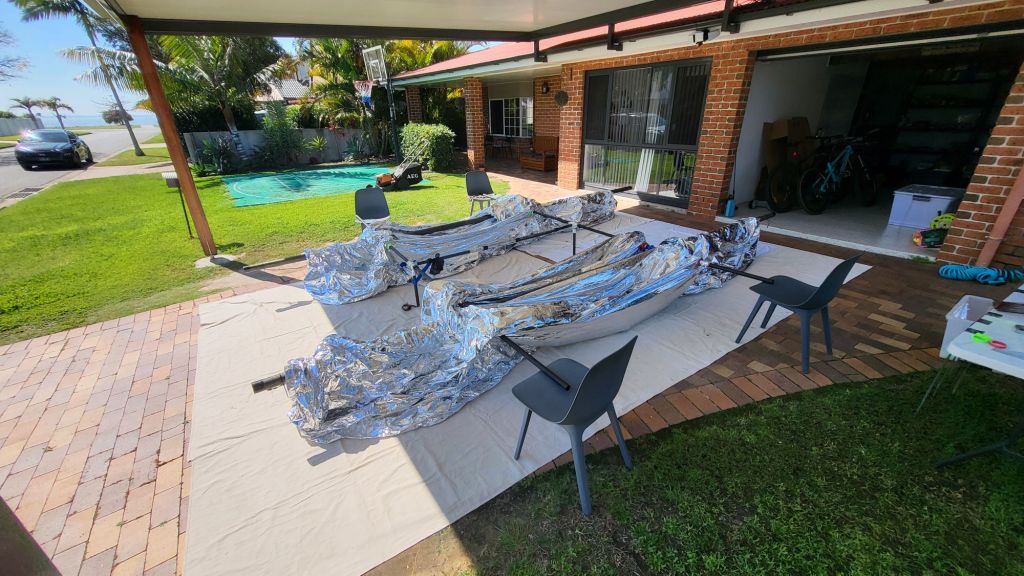
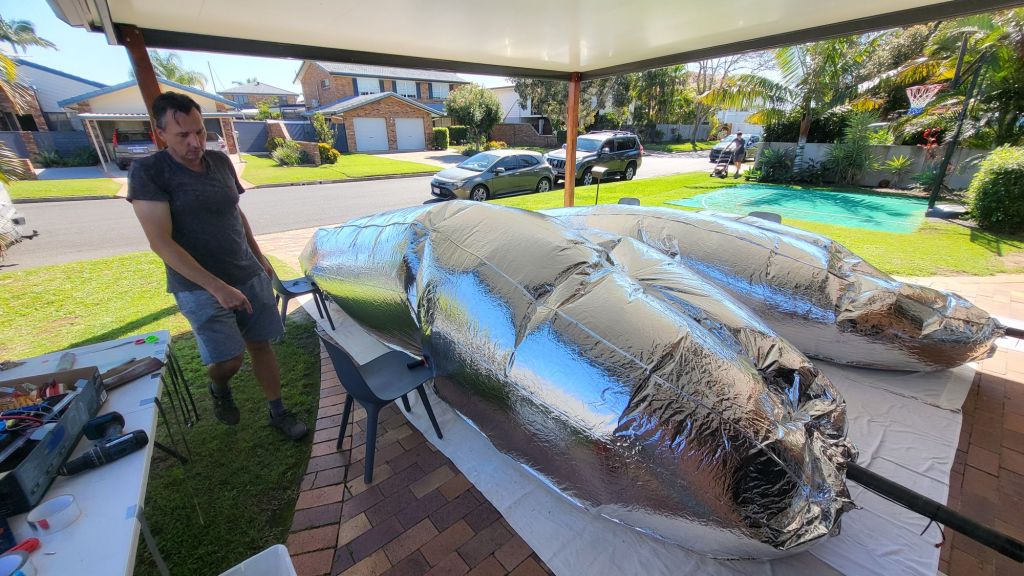
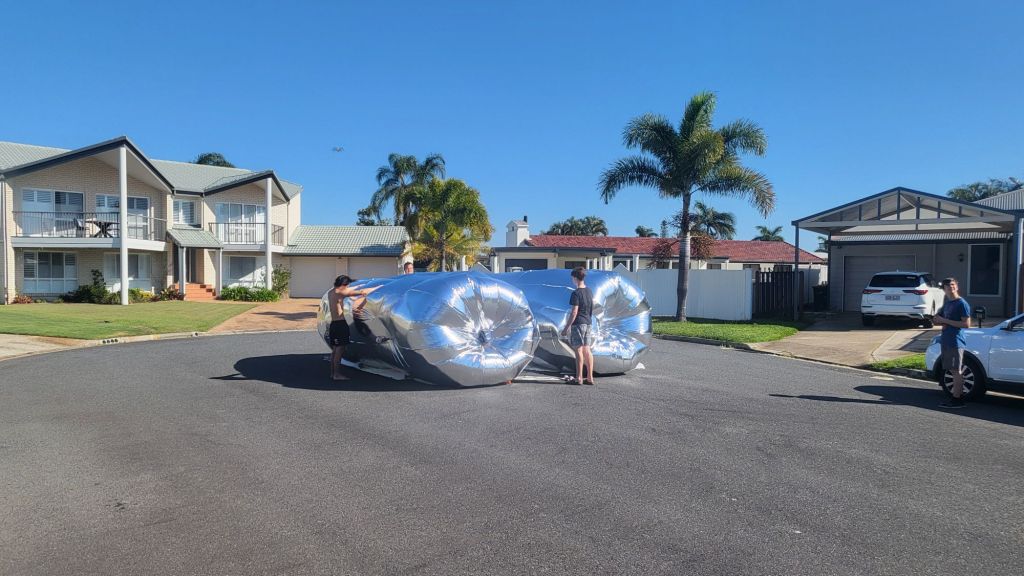
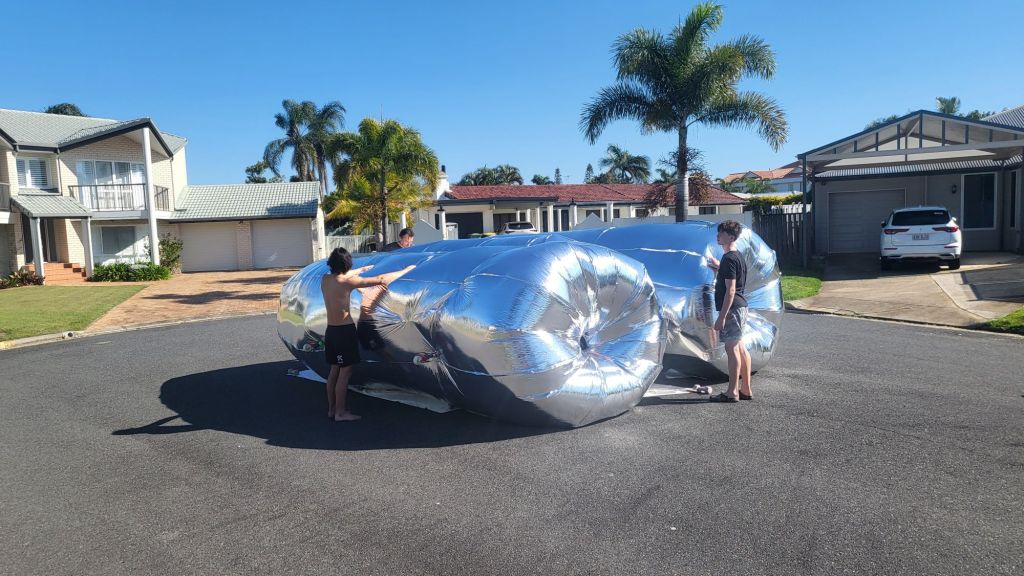
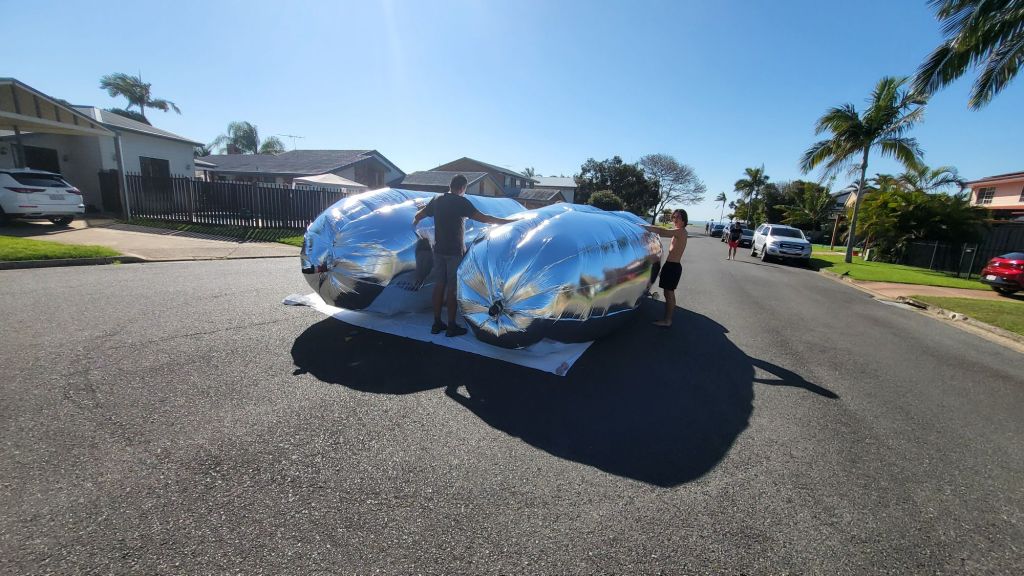
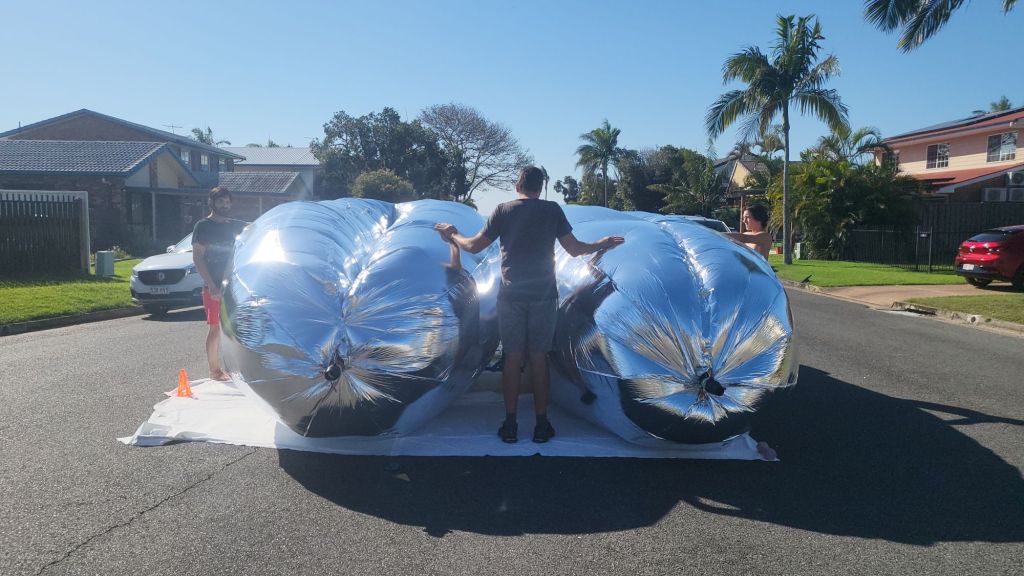
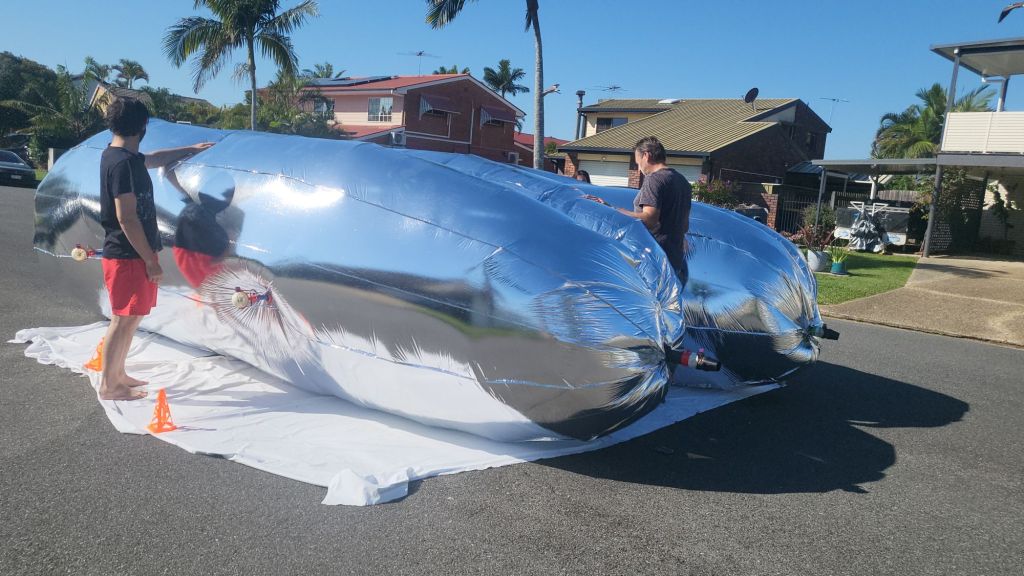
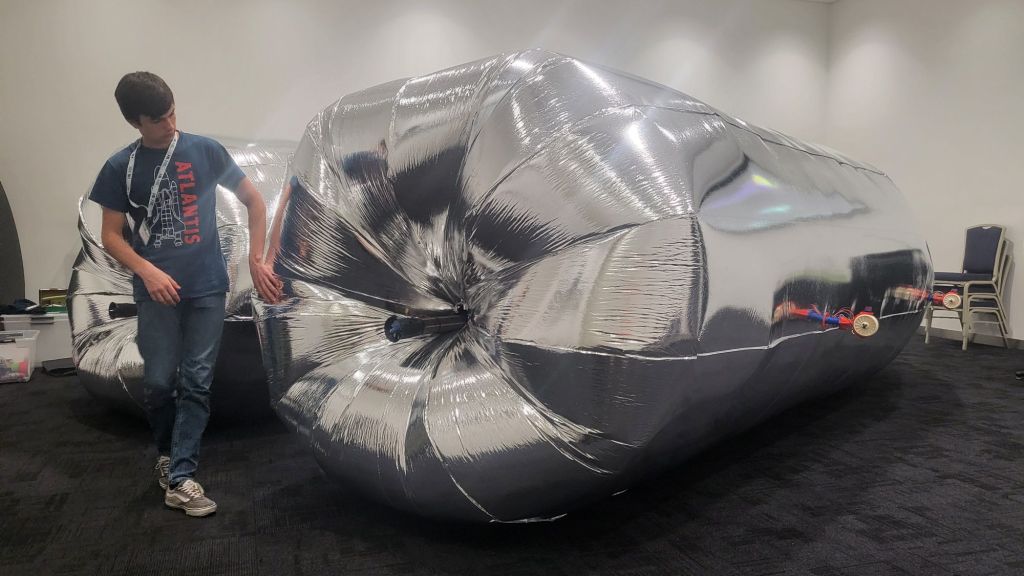
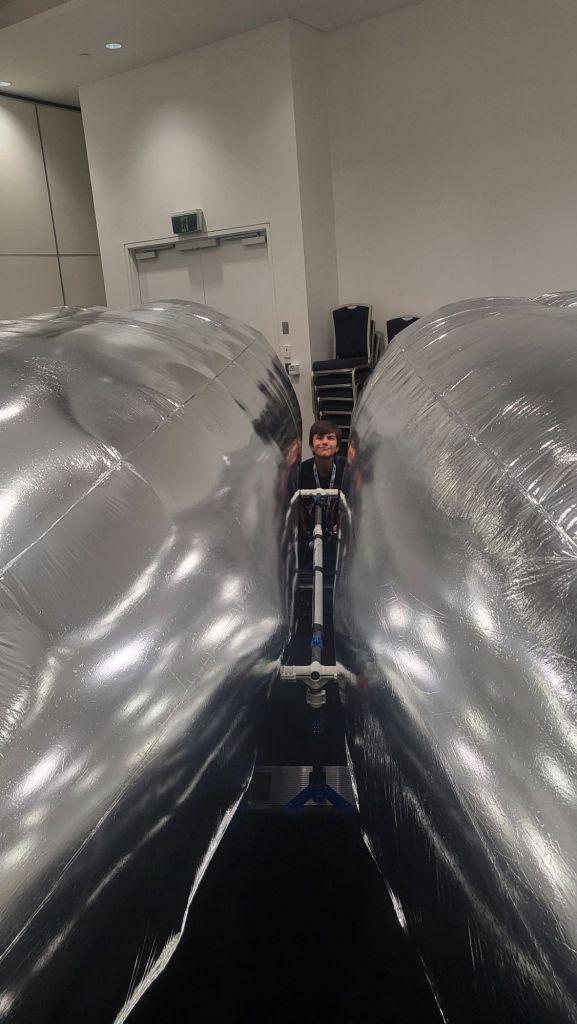
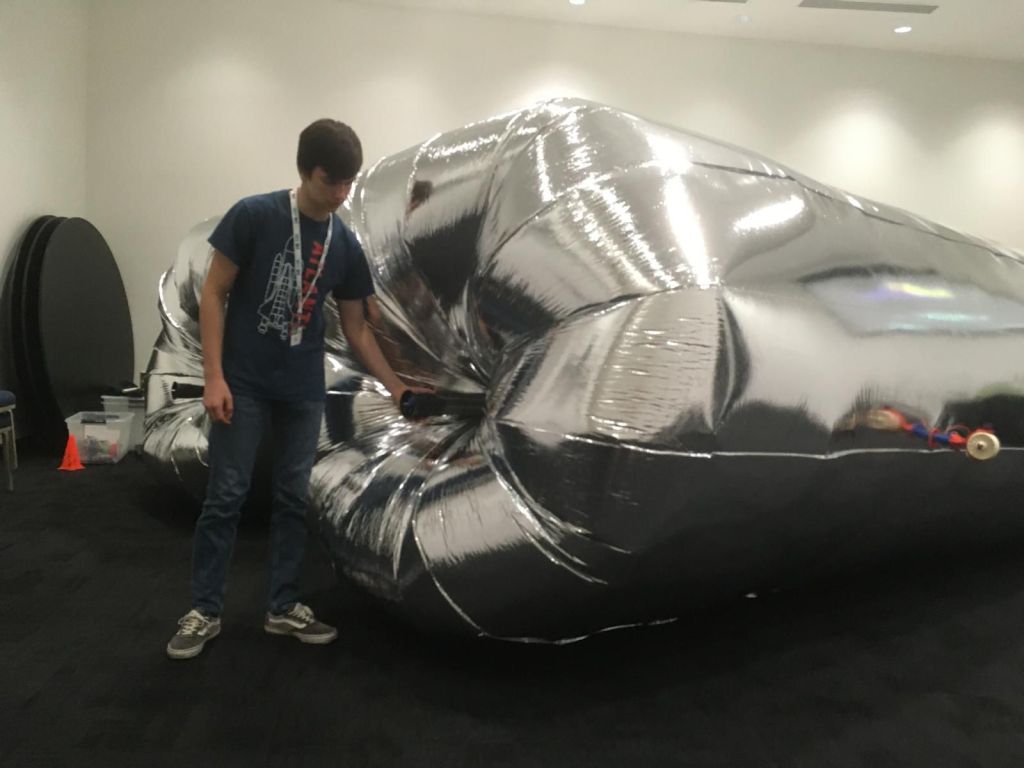
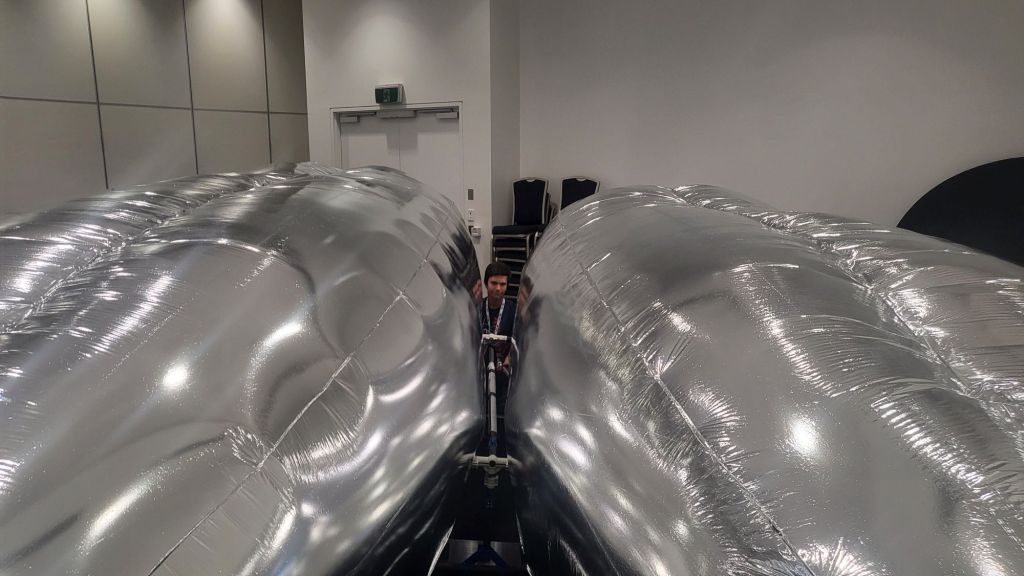
As part of our Phase II envelope design, we wanted to understand how the interface between two adjacent hulls affects turbulence and parasitic drag.
Mk1, Mk2 and Mk3 variants were developed to explore how these envelope shapes behave within the CFD (Computer Fluid Dynamics) modelling
The short version:
- Mk1 gave us a clean baseline
- Mk2 reduced the deep center cleavage effect by reshaping the lobe interaction.
- Mk3 removed cleavage entirely (convex hulled pair) to test the upper bound of this effect.
Design Workflow
For each iteration, we:
1. Modelled geometry in OpenSCAD (src/scad/phase2_envelope_cli.scad).
2. Exported STL in a binary format.
3. Ran a FluidX3D single continuous sweep (0 -> 50 -> 0 km/h) with drag recording.
4. Produced visual overlays (3840×2160) and drag timeseries for comparison.
Common Baseline Parameters
These were the shared baseline values for this iteration cycle:
- length_mm=19000 //overall length
- diameter_mm=5000 //maximum diameter
- nose_len_mm=4500 //front gasbag length
- cyl_len_mm=6000 //central gasbag length
- tail_len_mm=8500 //tail gasbag length
- hull_spacing_mm=4000
- keel_tube_inner_diameter_mm=400
- $fn=200 //OpenSCAD rendering resolution
CFD sweep profile baseline:
- single sweep mode (0 -> 10 -> 20 -> 30 -> 40 -> 50 -> … -> 0)
- ramp: 3s
- hold: 5s
- total run: 80s
- drag timeseries exported to drag_timeseries.csv
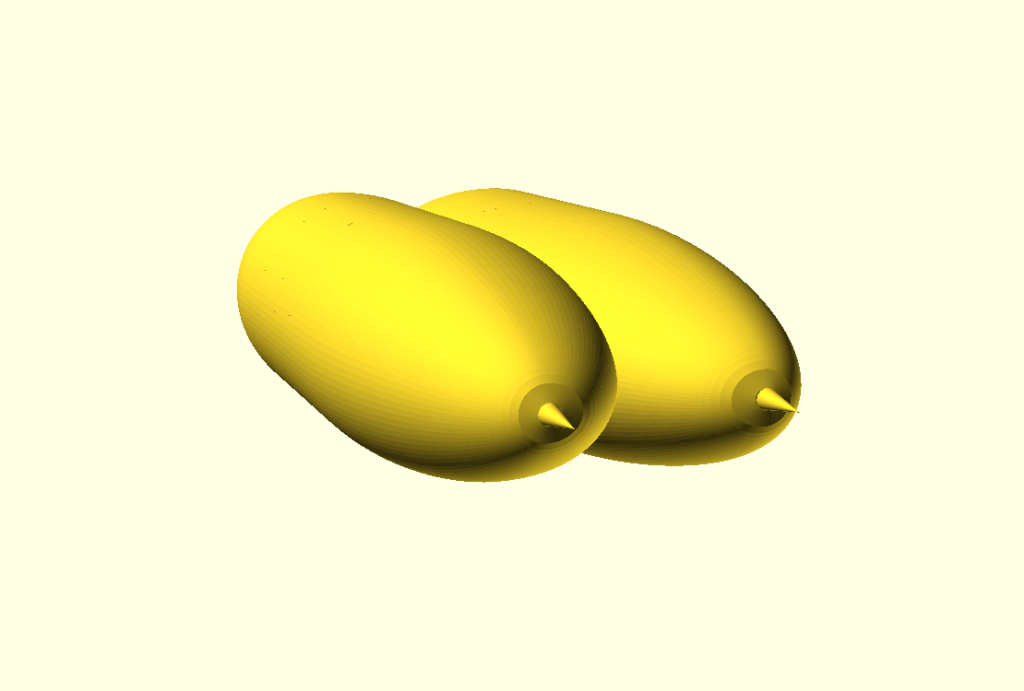
Mk1 (Legacy Overlap)
Mk1 gave us a clean baseline – Formed by two circular-section envelopes in legacy overlap arrangement.

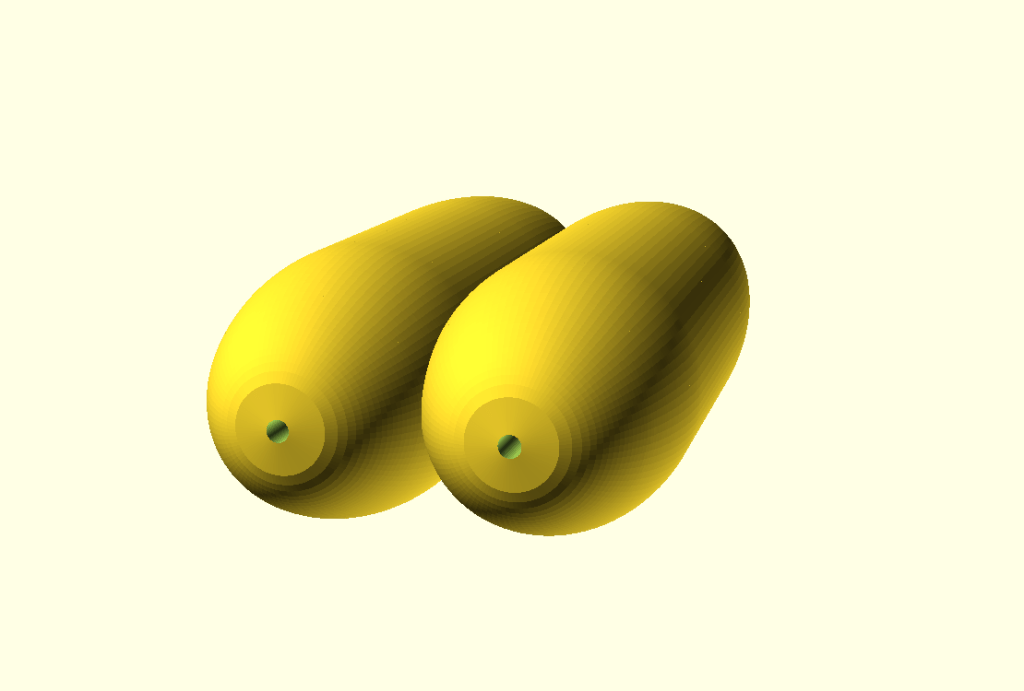
FluidX3D run output:
Observation summary:
- Clear center-interface turbulence (deep cleavage behavior) was visible in wake dynamics.
- Max |drag_N|: 7129 N (at 50 km/h)
Mk2 (Bulged Bell Interaction)
In this iteration we replaced circular interaction with bell-like lobe shaping to emulate how envelopes may lean/bulge into each other.
Key shaping controls:
- lobe_profile_mode=”bell”
- bulge_strength=0.18
- max_lobe_squeeze=0.28
- bell_flare=0.45
- bell_base_gap_mm=0
- bell_smoothing_mm=100
- bell_inner_scale=1.3

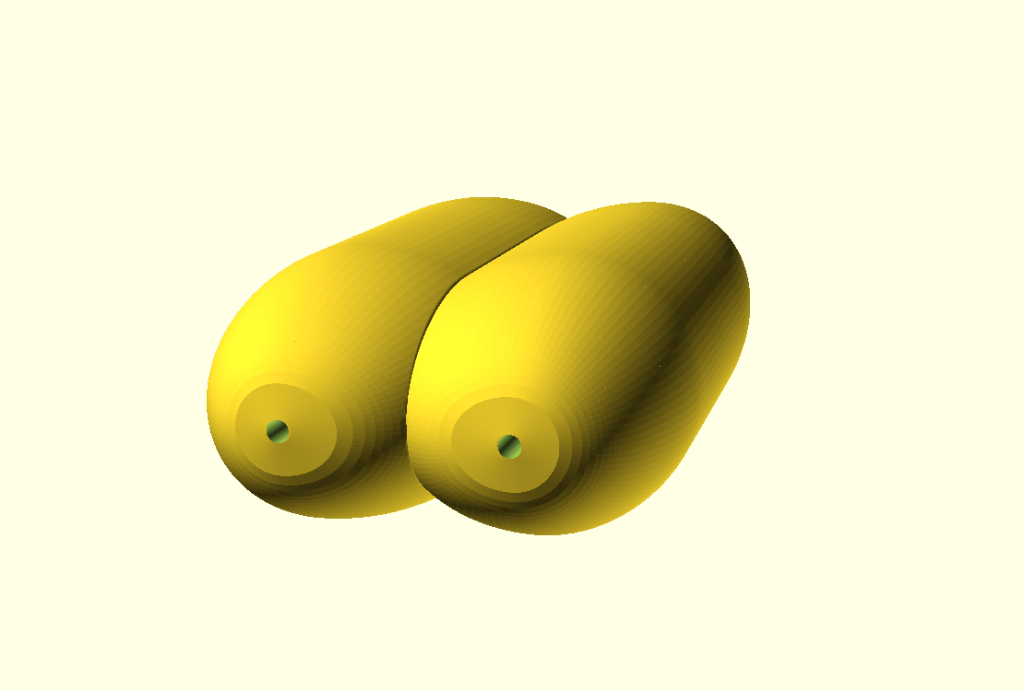
FluidX3D run output:
Observation summary:
- Substantial visible improvement in center-interface flow behavior vs Mk1.
- Max |drag_N|: 7316 N (at 50 km/h)
Mk3 (Hulled Pair / Cleavage Removed)
In this iteration convex hull across both envelopes was to eliminate cleavage entirely and test how strongly it drives losses.

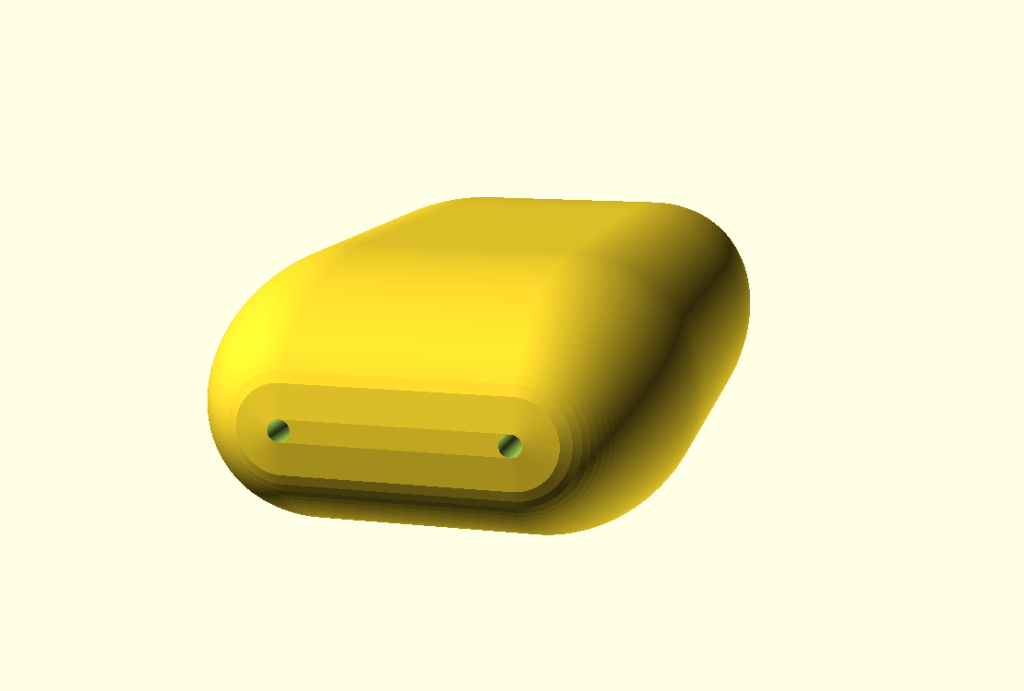
FluidX3D run output:
Observation summary:
- Intended as a limit-case experiment to quantify how much center-cleavage geometry dominates drag/turbulence.
- Max |drag_N|: 8040 N (at 50 km/h)
Drag Comparison (Parasitic Drag Evaluation)
Then we compared drag values from the continuous sweep windows across all three marks.
Windowed hold means (drag_N) from corrected controlled rerun (values in a table are from a low-res run where they ended up being ~10% higher potentially due to the model resolution):
| Window | Mk1 mean drag (N) | Mk2 mean drag (N) | Mk3 mean drag (N) | Mk2 vs Mk1 | Mk3 vs Mk1 | Mk3 vs Mk2 |
| 10_up | 484.1 | 512.7 | 570.2 | +5.92% | +17.78% | +11.20% |
| 20_up | 1612.3 | 1720.9 | 1895.2 | +6.74% | +17.54% | +10.12% |
| 30_up | 3327.9 | 3556.0 | 3828.9 | +6.85% | +15.05% | +7.68% |
| 40_up | 5510.9 | 5777.3 | 6251.8 | +4.83% | +13.44% | +8.21% |
| 50_up | 8016.6 | 8375.3 | 8995.5 | +4.48% | +12.21% | +7.40% |
| 40_down | 5499.1 | 5787.9 | 6307.5 | +5.25% | +14.70% | +8.98% |
| 30_down | 3344.6 | 3558.8 | 3896.1 | +6.40% | +16.49% | +9.48% |
| 20_down | 1580.3 | 1724.9 | 1877.9 | +9.15% | +18.83% | +8.88% |
| 10_down | 415.5 | 465.1 | 486.1 | +11.94% | +16.97% | +4.50% |
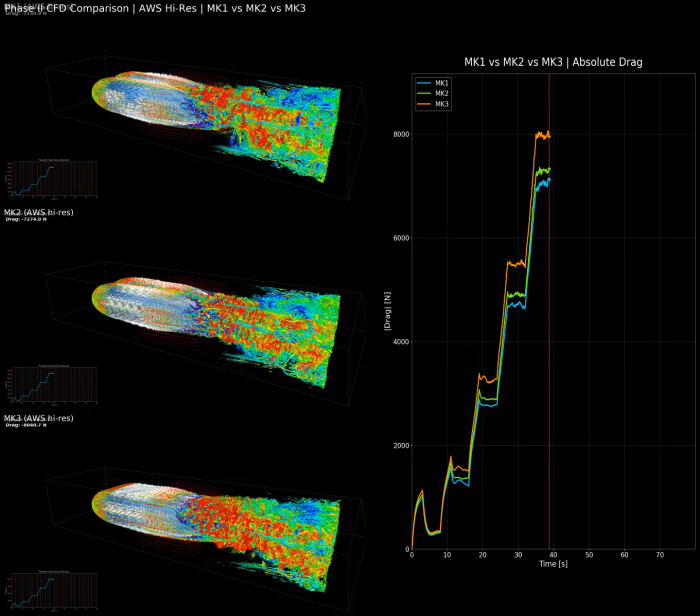
Overall hold-window mean:
- Mk1: 3316.88 N (best)
- Mk2: 3504.64 N (+5.66% vs Mk1)
- Mk3: 3797.41 N (+14.48% vs Mk1, +8.35% vs Mk2)
Decision under current assumptions:
- Mk1 is the lowest-drag geometry in this controlled batch.
- Mk2 and Mk3 visibly alter center-flow structure, but in this setup those changes did not reduce integrated parasitic drag.
- The comparison plot artifact is at out/fluidx_phase2_runs/phase2_controlled_mk_compare_20260215_223154/drag_compare_plot_absN.png. [TBA]
AWS rerun status note (February 24, 2026):
- We started a fresh Mk3 AWS rerun after fixing headless render sizing.
- This rerun is intended as infrastructure/throughput validation plus additional data for later cross-hardware comparison (not yet replacing the corrected local controlled ranking above).
Compute platform snapshot used in this phase:
- Local runs were executed on a workstation with NVIDIA GeForce RTX 4060 (8188 MiB VRAM observed).
- AWS test path started on g6f.large (fractional L4, ~3 GiB VRAM) and then moved to g6.8xlarge (full L4, 23034 MiB VRAM observed).
- On g6.8xlarge with the current upper-edge settings, measured throughput projects roughly:
- ~20.5h for one full single sweep (SECS=80)
- ~61h for three sequential sweeps at the same settings
This confirms the aerodynamic ranking table above should still rely on the corrected controlled local batch for decision-making today. AWS high-VRAM runs are currently most valuable for higher-resolution validation and hardware scaling evidence.
Infrastructure planning note:
In this run shape, one sweep process occupies one GPU, so the best cost/performance default is typically a 1x-L4 instance (g6.xlarge) rather than larger 1x-L4 sizes. Larger L4 instances are still useful when we need more CPU/RAM headroom, but not as default for single-process CFD throughput.
Final Consolidated Update (AWS Hi-Res, March 1, 2026)
We now have the full Mk1/Mk2/Mk3 AWS high-resolution set consolidated and compared in one place + comparison bundle.
AWS hi-res hold-window means (drag_N) confirm the same ordering:
- Mk1: `2810.15 N` (best)
- Mk2: `2940.53 N` (`+4.64%` vs Mk1)
- Mk3: `3257.12 N` (`+15.91%` vs Mk1, `+10.77%` vs Mk2)
Cross-platform consistency note:
- Local low-res and AWS hi-res are consistent in ranking/trend, but not interchangeable in absolute magnitude.
- Hi-res/low-res drag scale averaged about 0.81x (Mk1 0.817, Mk2 0.808, Mk3 0.816).
40 km/h engineering point (AWS hi-res):
- Mk1: 4704.71 N -> aerodynamic power 52.27 kW
- Mk2: 4905.22 N -> aerodynamic power 54.50 kW
- Mk3: 5485.55 N -> aerodynamic power 60.95 kW
Volume-normalized interpretation at 40 km/h:
- Mk1 volume: 552.022 m^3, 8.52 N/m^3
- Mk2 volume: 577.873 m^3, 8.49 N/m^3 (slightly best per volume)
- Mk3 volume: 608.412 m^3, 9.02 N/m^3
Mk2 Local Tail/Fineness Optimization Check (March 1, 2026)
To test if small Mk2 shape changes can materially reduce cruise drag, we ran a focused local optimization batch:
- run: phase2_mk2_opt40_batch1_calconly_patched4_20260301_203453
- objective protocol: 0 -> 40 -> 0 km/h (ramp=2s, hold=4s)
- score: mean |drag_N| in [t=3s, t=5s]
- volume guardrail: keep at/above Mk2 baseline volume
Best candidate in this batch worked out to be “c010_tl9000_tb0p45” coming with drag@40: 5584.71 N. This local neighbourhood did not produce a better-than-Mk2 design so for current Phase II decision-making, Mk2 remains the practical baseline as expected envelope-only savings from further incremental shape tuning are likely modest unless a stronger new geometry concept is introduced.
So here is our winner – Mk2 reduced the deep center cleavage!

 H2Use
H2Use 